Choose an image
A clean grayscale height source gives you more control than a lit photograph. If using a color texture, remember that the tool treats brightness as a height cue.
Generate a normal map from an image for free. Adjust surface strength, switch OpenGL or DirectX, inspect the result, and download a PNG in your browser.
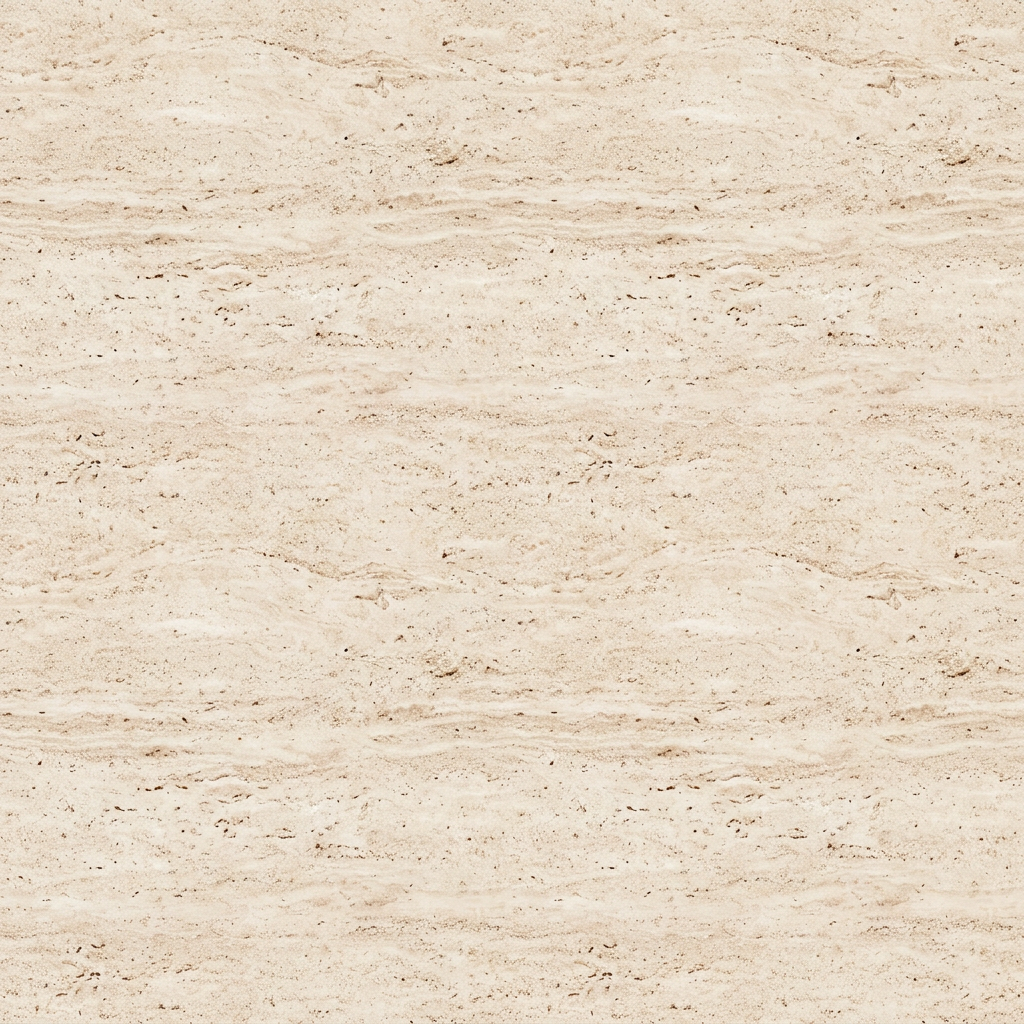
 One surface. Five texture maps.
Upload a surface image to create base color, normal, roughness, height, and AO maps.
Existing AI-generated example · Maps processed on your device
A clean grayscale height source gives you more control than a lit photograph. If using a color texture, remember that the tool treats brightness as a height cue.
Increase normal strength gradually. Choose the normal convention expected by your target material. Switching OpenGL to DirectX flips the green channel, not the texture itself.
Export the normal PNG and import it as normal/data information in your renderer. Use a normal-map node or the engine’s normal texture setting; do not connect it as base color.
A normal map stores surface directions in RGB. It helps a shader simulate fine bumps and grooves without adding polygons. It will not give a flat plane a visibly broken outer edge.
Height or displacement can move geometry when the renderer and mesh support it. The normal and height maps serve different jobs; choose the one your scene actually needs.
The common difference is the sign of the Y component stored in the green channel. Texel labels these choices OpenGL (+Y) and DirectX (−Y). If dents appear raised or the lighting looks inverted vertically, check this setting before increasing strength.
Follow your renderer’s import documentation and project settings. Pipelines can flip channels on import, so an engine name alone is not enough to diagnose a material.
Yes. Image-to-normal conversion and PNG downloads run locally without an account or AI generation credits.
A mostly flat tangent-space surface has little X or Y tilt and a positive Z direction, so it appears approximately RGB 128, 128, 255. More color is not automatically a better normal map.
A single image cannot separate paint color from physical height. This converter uses brightness as a height cue. Try a cleaner height source, lower the strength, or edit the source image.
The OpenGL / DirectX switch changes the green-channel orientation. It preserves the source detail and strength; it does not make a higher-resolution map.
Describe a material, then make it your own.