Start with a flat surface
Choose a JPG, PNG or WebP with even lighting. Square, front-facing images work best. A photographed room or object will retain its perspective and shadows.
Make a texture tileable in your browser. Blend image edges, inspect a repeating preview, and download a PNG or a set of derived material maps. No account needed.
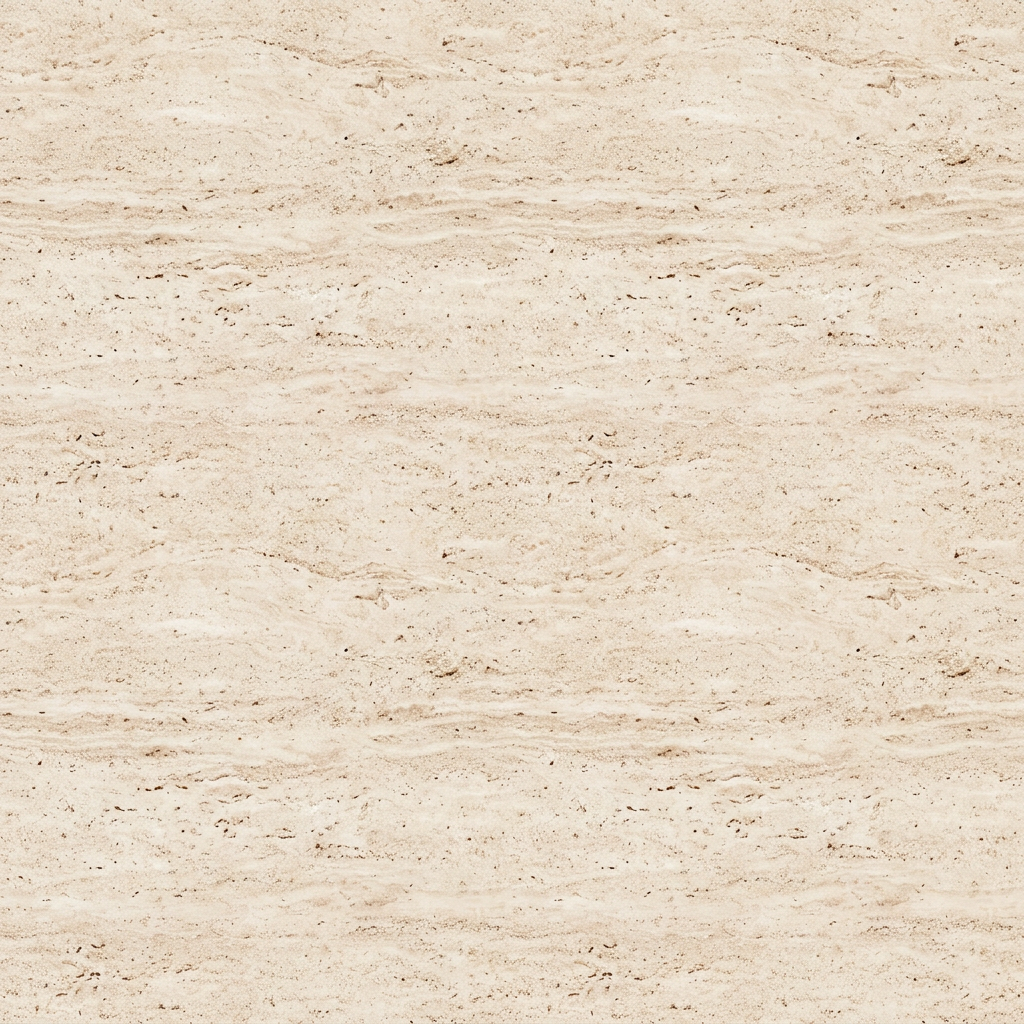
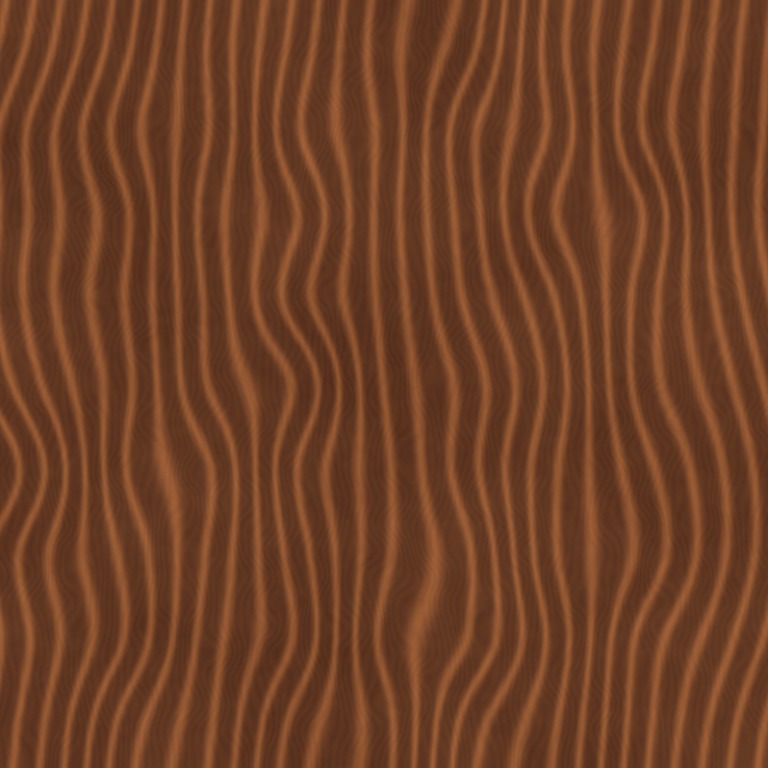
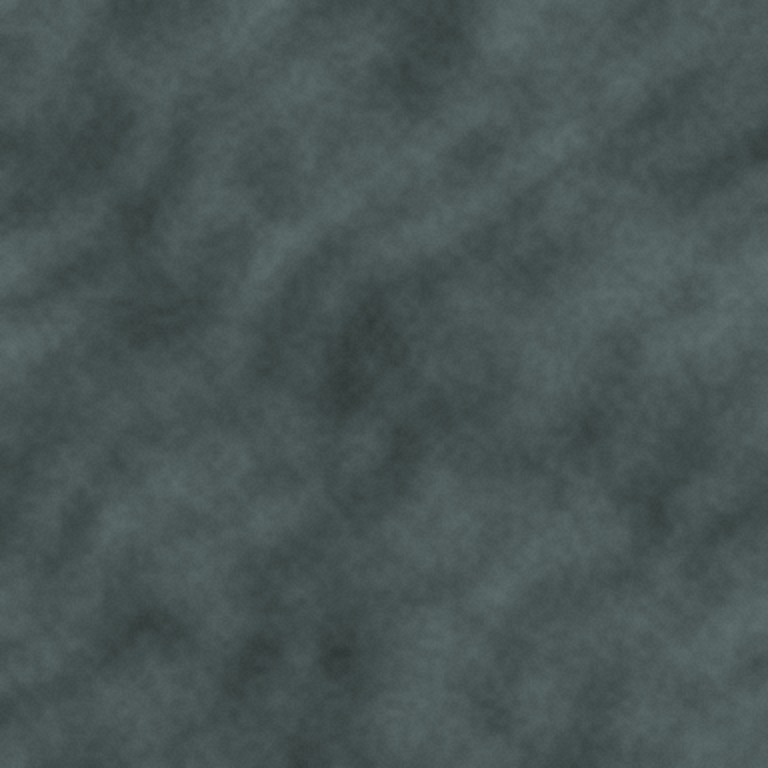
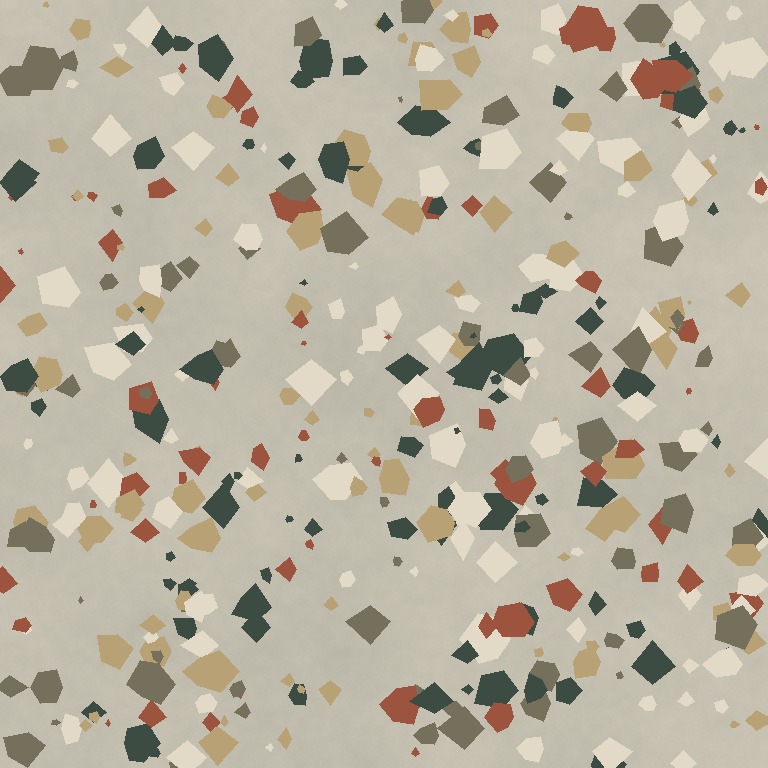 One surface. Five texture maps.
Upload a surface image to create base color, normal, roughness, height, and AO maps.
Existing AI-generated example · Maps processed on your device
Choose a JPG, PNG or WebP with even lighting. Square, front-facing images work best. A photographed room or object will retain its perspective and shadows.
Seam blending starts enabled on this page. Adjust its strength, then compare the single tile with the repeating preview. A wider blend can hide a border but may soften or duplicate distinctive features.
Download the base color PNG when the repeat looks right. If you also need shading maps, export the material ZIP or continue to the PBR texture generator.
A tileable texture connects to itself on the left and right, and on the top and bottom. Matching the boundary pixels removes a hard edge; the surrounding pattern also needs to flow naturally for a convincing repeat.
Texel blends opposing borders. This is a local image-processing operation, not generative inpainting. It does not reconstruct missing bricks, correct a camera angle, remove a cast shadow, or guarantee an invisible repeating pattern.
Sand, plaster, fine stone and other irregular surfaces usually tolerate blending better than brick courses, text, faces or a single prominent knot in wood. For directional patterns, first align the rows or grain in an image editor.
Use the largest evenly lit source you have. A larger exported file does not create detail missing from the source; the tool reports the actual output dimensions.
Yes. Open this tool, upload an image, adjust seam blending and download the processed base color PNG. This local workflow does not use the paid AI generation service.
Continuous edges and an unobtrusive repeat are different things. A distinctive crack, stain or knot appears in every tile. Use the repeating preview to check those features and choose a less distinctive source if necessary.
This page converts an existing image using browser-based edge blending. Text-to-texture AI generation is not yet available on the public site. You can upload an AI-generated image from another tool.
Describe a material, then make it your own.