Upload the source
Choose a JPG, PNG or WebP. This checker begins with seam blending off so the preview shows the uncorrected texture.
Check whether your texture tiles cleanly. Upload an image, inspect a repeating grid and edge differences, and spot seams before using it in a material.
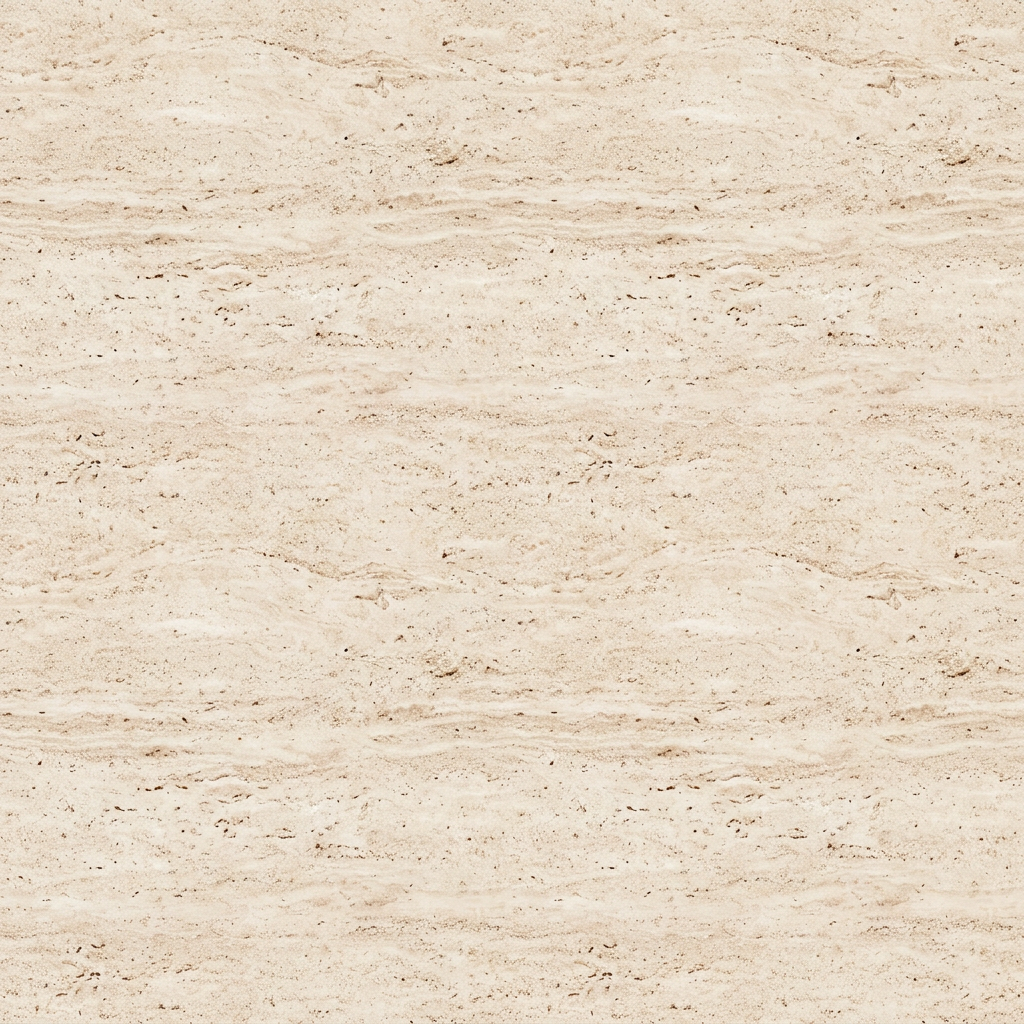
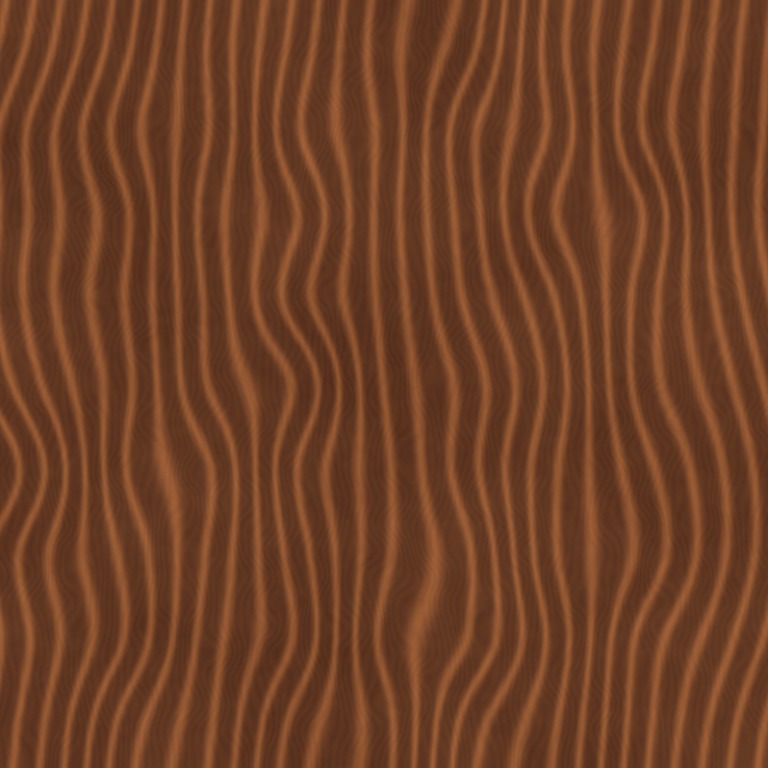

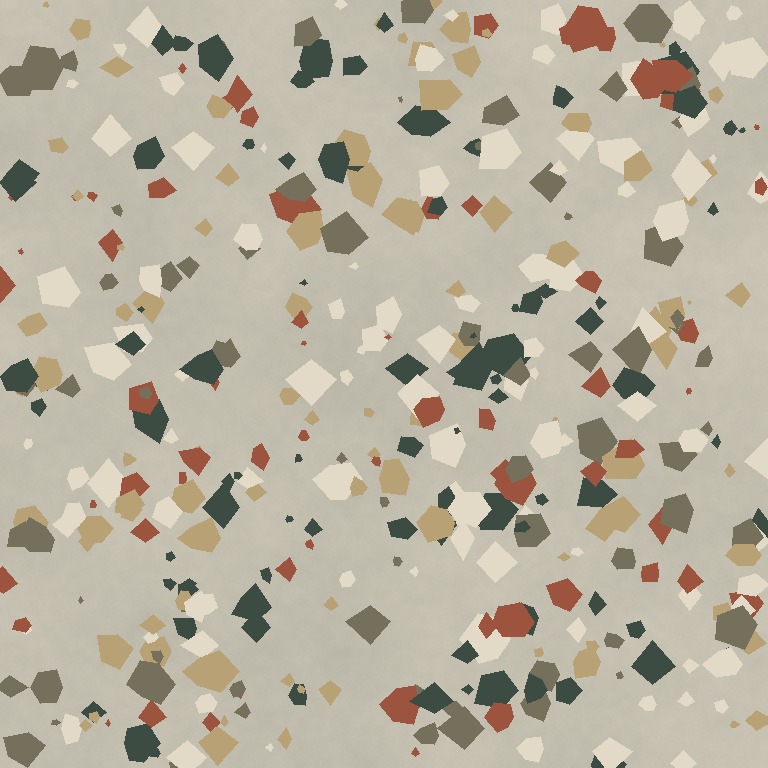 One surface. Five texture maps.
Upload a texture to inspect its repeating edges while keeping the original proportions.
Existing AI-generated example · Maps processed on your device
Choose a JPG, PNG or WebP. This checker begins with seam blending off so the preview shows the uncorrected texture.
Inspect horizontal and vertical joins, then the intersections where four tiles meet. Check large light-to-dark gradients as well as abrupt pixel changes.
If the edges break, open the seamless generator and blend them. If the edges join but a feature repeats too obviously, edit or replace the source rather than simply increasing the blend.
Opposing boundary pixels can be identical while a brick course jumps, a shadow creates a grid, or a distinctive object repeats across the surface. A numerical edge difference measures only the sampled boundary, not whether the whole material is convincing.
Review the texture at the scale it will be used. A fine seam may disappear at distance while a broad brightness gradient becomes more obvious across a large floor.
The checker is a viewing workflow. It starts with seam processing disabled, so you can judge an unblended working copy. The checker preserves the full aspect ratio, downsizes images above 1024 pixels on their longest side, and composites transparency over gray. Derived preview maps should not be mistaken for a repaired source.
For a final production decision, also test the downloaded map on the actual mesh, with its real UV scale and scene lighting. Browser preview is a quick diagnostic, not a substitute for that final check.
Repeat it in both directions and inspect the joins at more than one scale. Check edges, four-tile intersections, brightness gradients and repeated distinctive features. Use edge difference as a diagnostic, not as proof of visual quality.
Your original file is unchanged. The preview uses an unblended working copy, preserves aspect ratio, scales large images down to a 1024-pixel longest edge, and composites transparency over gray. Use the separate seamless generator to blend borders.
Yes. Save the AI output as an image, then inspect it here. A prompt that asks for seamless output is not evidence that the resulting image actually tiles well.
Describe a material, then make it your own.